Using GoDaddy Broker Service
When you stumble upon a domain that is marked “Taken”, it’s possible that there’s still a way to acquire it.
It’s been multiple times already that I bought a domain either via marketplace or via a broker. Note that I’m not a domain investor, so it’s neither a daily activity for me.
In this post, I’m going to detail the process of buying a domain using a broker service (here the one from GoDaddy).
Marketplaces versus brokerage
It’s possible that domain holder has put the domain publicly for sale at a fixed price.
To know if it’s the case, you should visit marketplaces like Dynadot Aftermarket, GoDaddy (integrates Afternic Marketplace) or Sedo.
If your targeted domain appears here, it gives you info that holder is willing to sell the domain plus a gross estimation about how much he’s asking. This is what we call the “Buy Now” option. I did use that in the past to acquire a domain, but it’s generally not a good deal and I would recommend to go for broker service anyway most of the time.
Multiple marketplaces are offering brokerage service, I can’t do any comparison for you, again not being a domain investor.
In my last purchase, having myself a GoDaddy account and reseller using GoDaddy, it made it obvious to use GoDaddy Broker Service (transfer between accounts but same registrar!).
Complete walkthrough GoDaddy Broker Service
After I decided to use GoDaddy, I logged into my account then looked for the domain to purchase.
Initiating the brokerage process
At the very start, I just added the broker service for the domain to my cart.
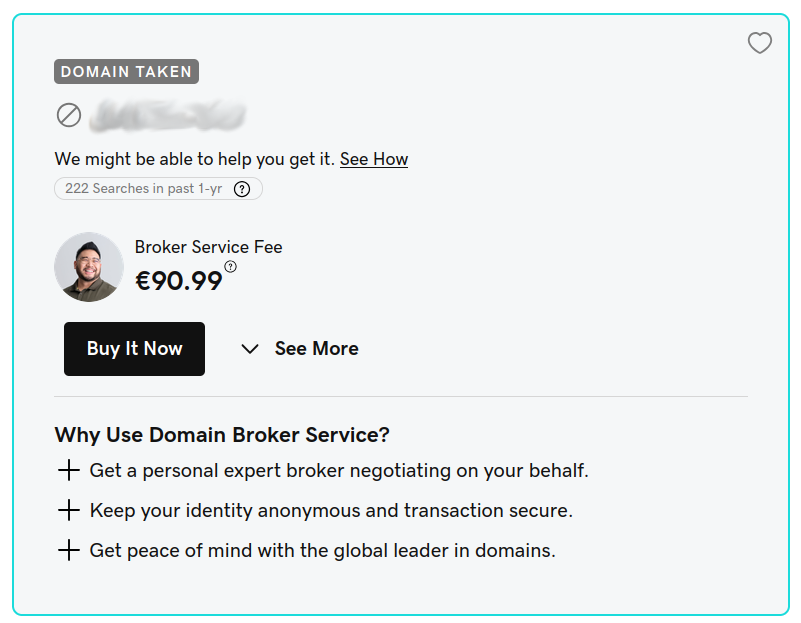
You can add this to cart, it’s only about paying a service without any promise of result.
Broker Service fee is to be paid upfront, not refundable whatever the process is abandoned or domain is never acquired.
There’s also a 20% broker fee to be added to the final price later if we finally agree with reseller and purchase the domain. That’s relatively high, but since it also covers “get in touch”, negotiation and securing the transaction, it’s worth the cost.
I would recommend to use a brokerage service most of the time, even if/when you are able to get in touch directly with domain holder, at least for securing transaction.
Add it to cart then pay for it:
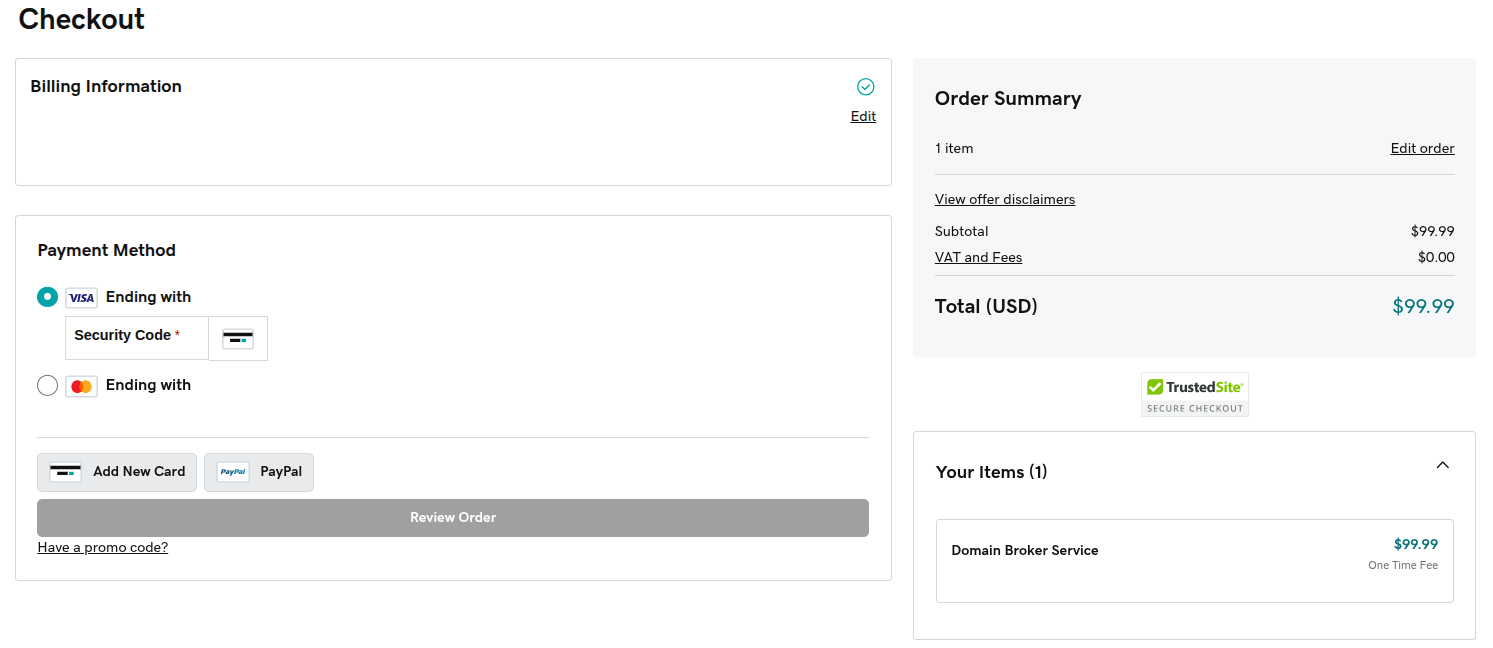
Once paid, you would get an ongoing procedure in your account, with this in the header:

There’s not yet any broker assigned to you, it’s just a matter of time.
Note that once started, the procedure has 30 days to complete, so both sides have to be reactive!
Before getting a broker, you have to provide some informations about how much you’re ready to pay:
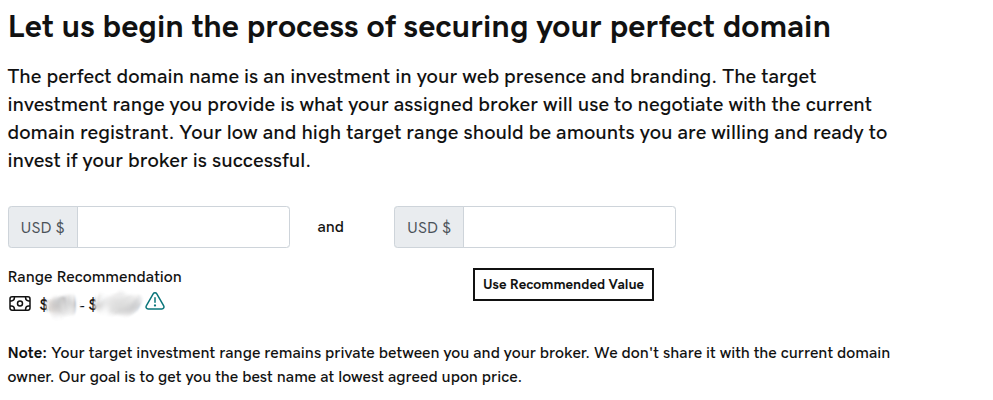
Don’t worry, this is informative and not graved in stone, it can be revised later during negotiation.
Get in touch with broker
Then it’s time to get a broker assigned and get in touch with our negotiator!
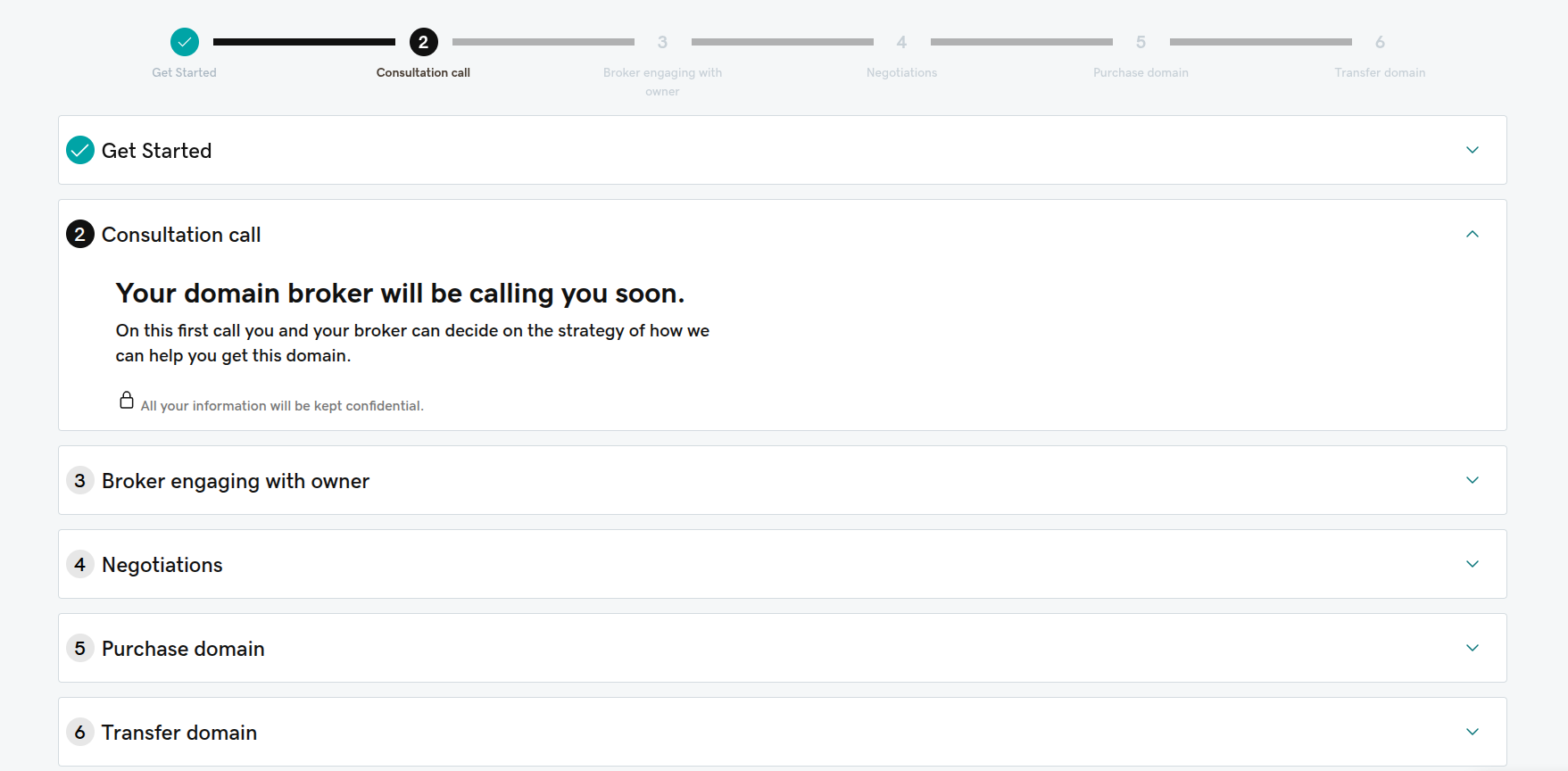
If you fear about being not accessible via your account phone number, don’t worry, broker will also try via email.
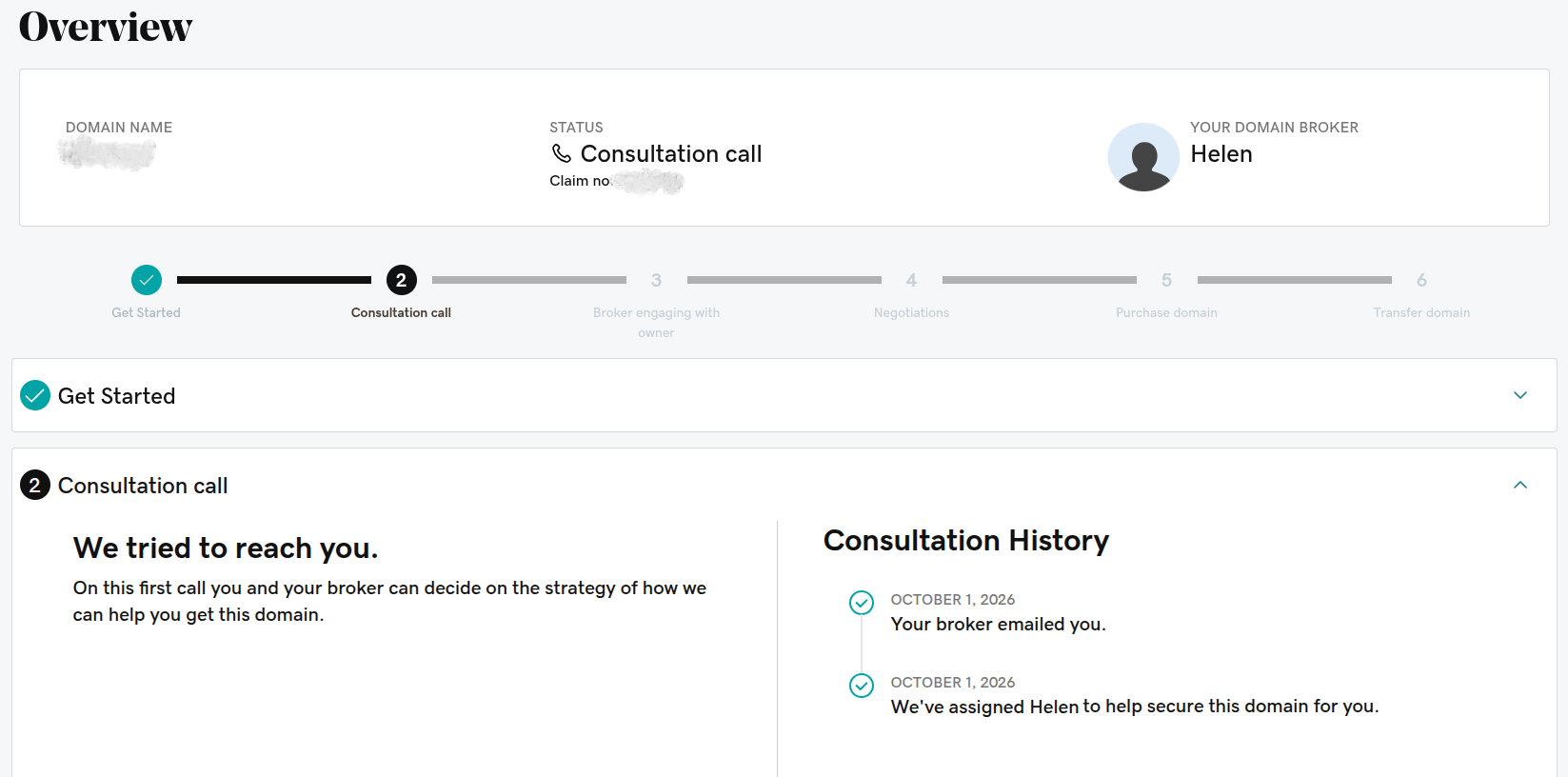
After a first contact with broker, checking our intent and acknowledging 20% fee and giving some context, it will be time to let him/her move forward with contacting the domain holder.
Broker contacts domain holder for us
It’s now time for the broker to deliver his magic.
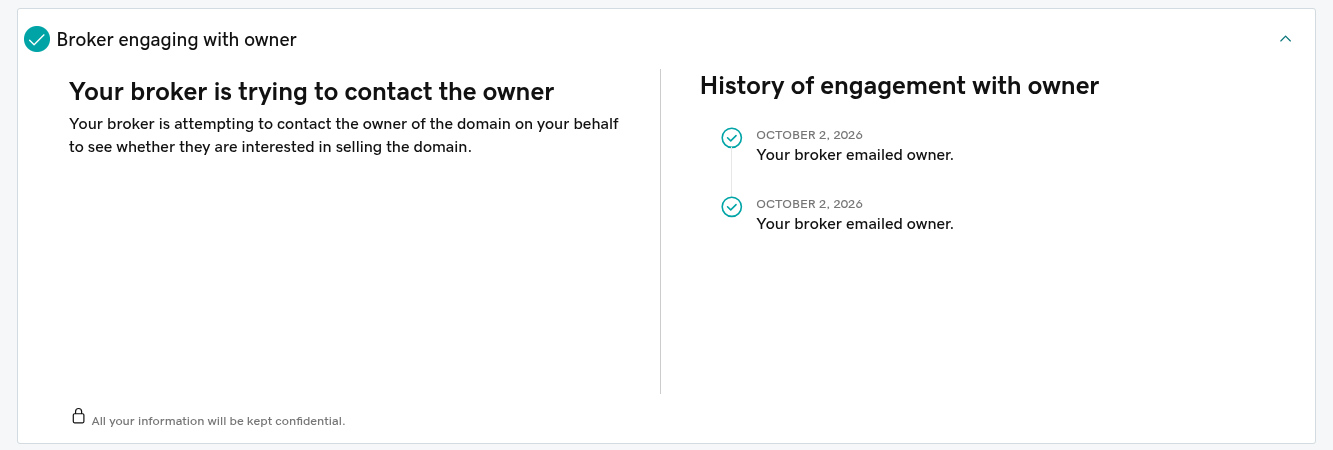
Then negotiate. During negotiation, it will do back and forth with buyer (you) and seller to adjust offers and counter-offers.
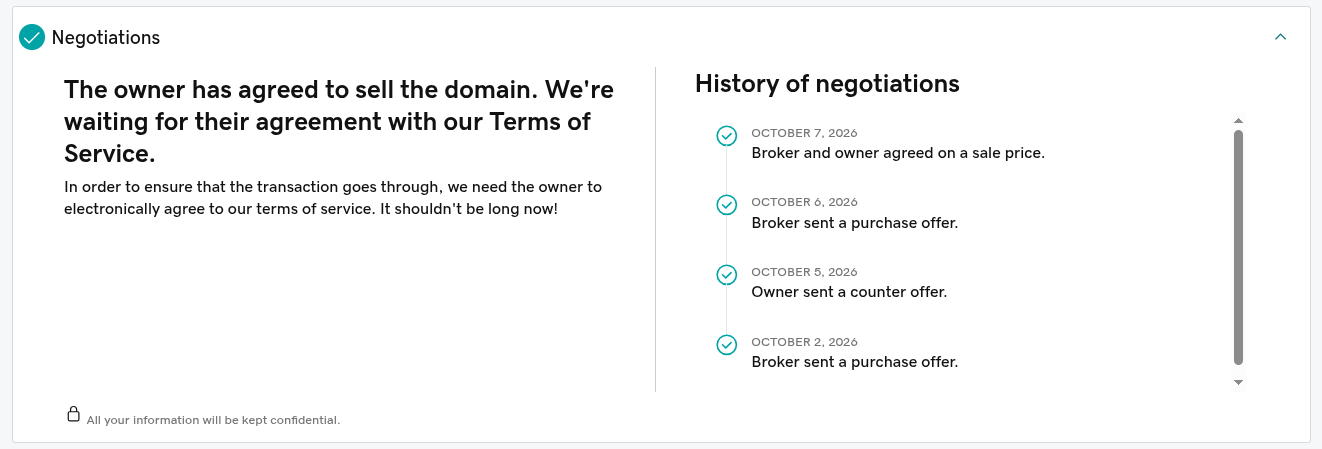
Agreement on price and payment
After a few round trips between you, broker and seller, you will likely reach an agreement:
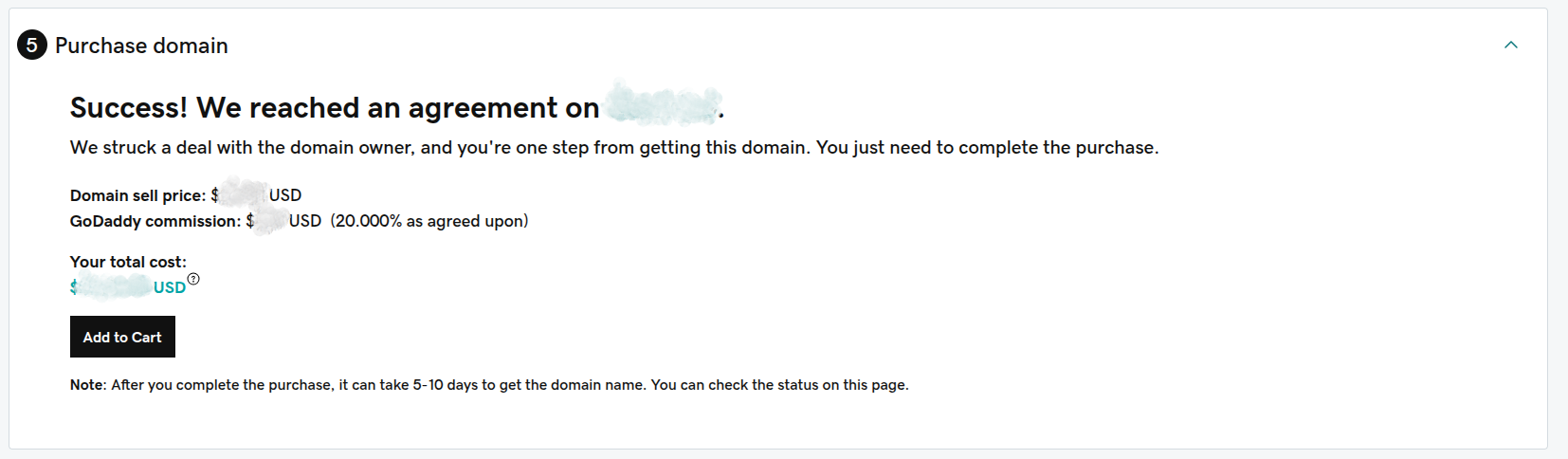
Add to cart then proceed (quickly) to the payment:
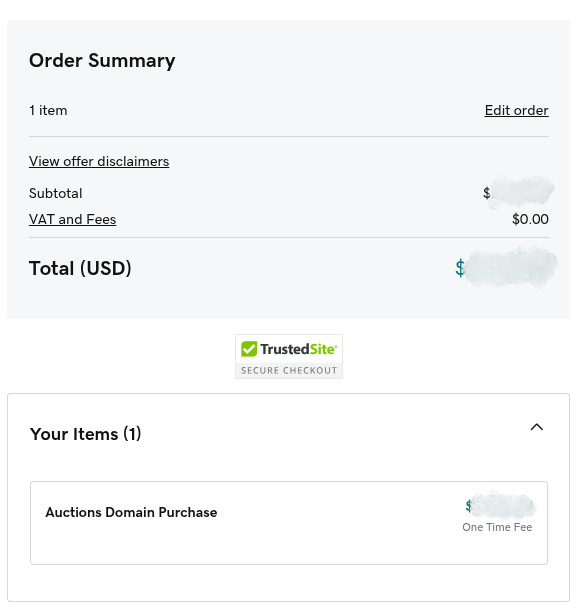
You will immediately get a minimal receipt:
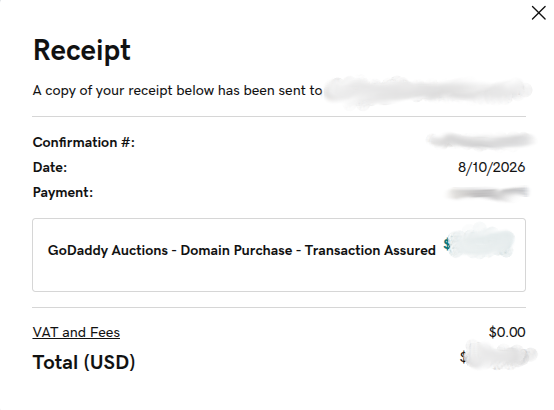
(then later a full PDF receipt received by email as well as available in your account)
Transferring the domain
The process enters a new step of actually transferring the domain to you:
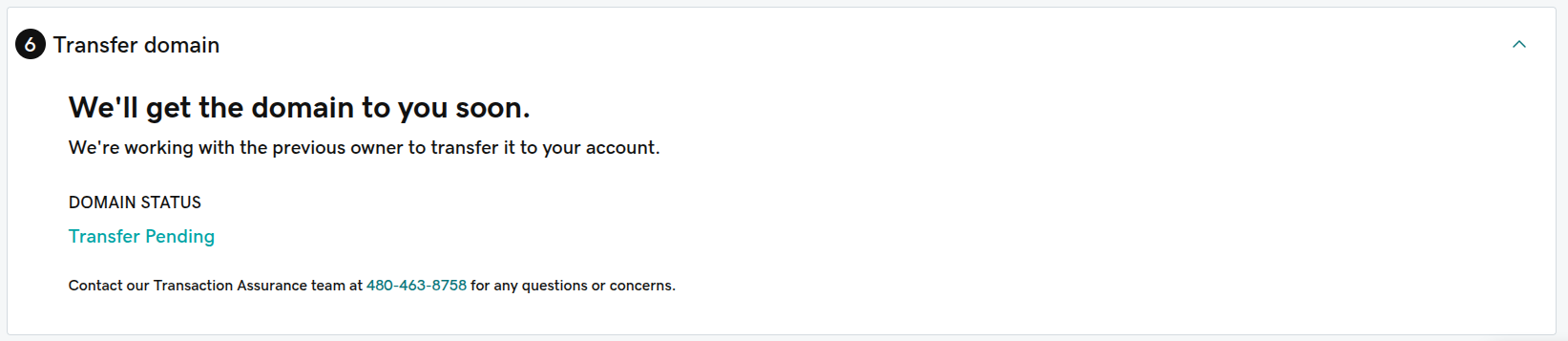
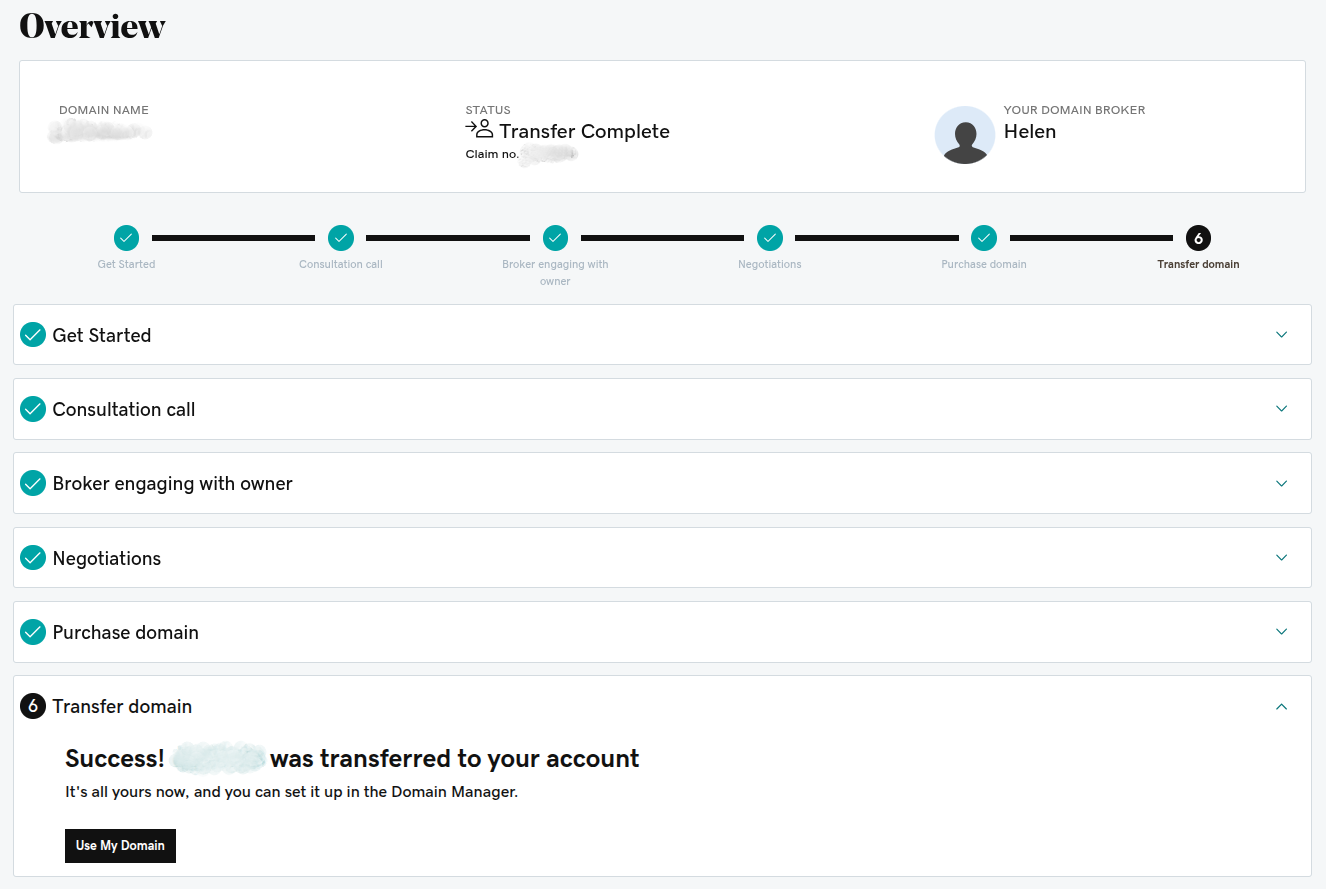
After a while (can be within a day), you get the domain successfully transferred.

At this point, the domain is living in your GoDaddy account.
Few extra steps to do now:
- Think about enabling auto-renew
- Verify linked payment method or if not set, attach a payment method for renewal (this is done automatically for new purchase but not for transfers via broker service).
- Verify that your domain get delisted from reselling marketplace, or contact marketplace support (e.g.
orders@dynadot.com) to force it
All done!
Conclusion
It takes a few days but this is really straightforward process.
Except for little prices, I would recommend to always go through a brokerage service even for domains listed on reselling marketplace (the “Buy Now” option).
I hope this walkthrough helped you to demystify the process of buying a domain name via a broker service.